Find the right person to talk to about a component without leaving Storybook
storybook-addon-contributors
Find the right person to talk to about a component without leaving Storybook.
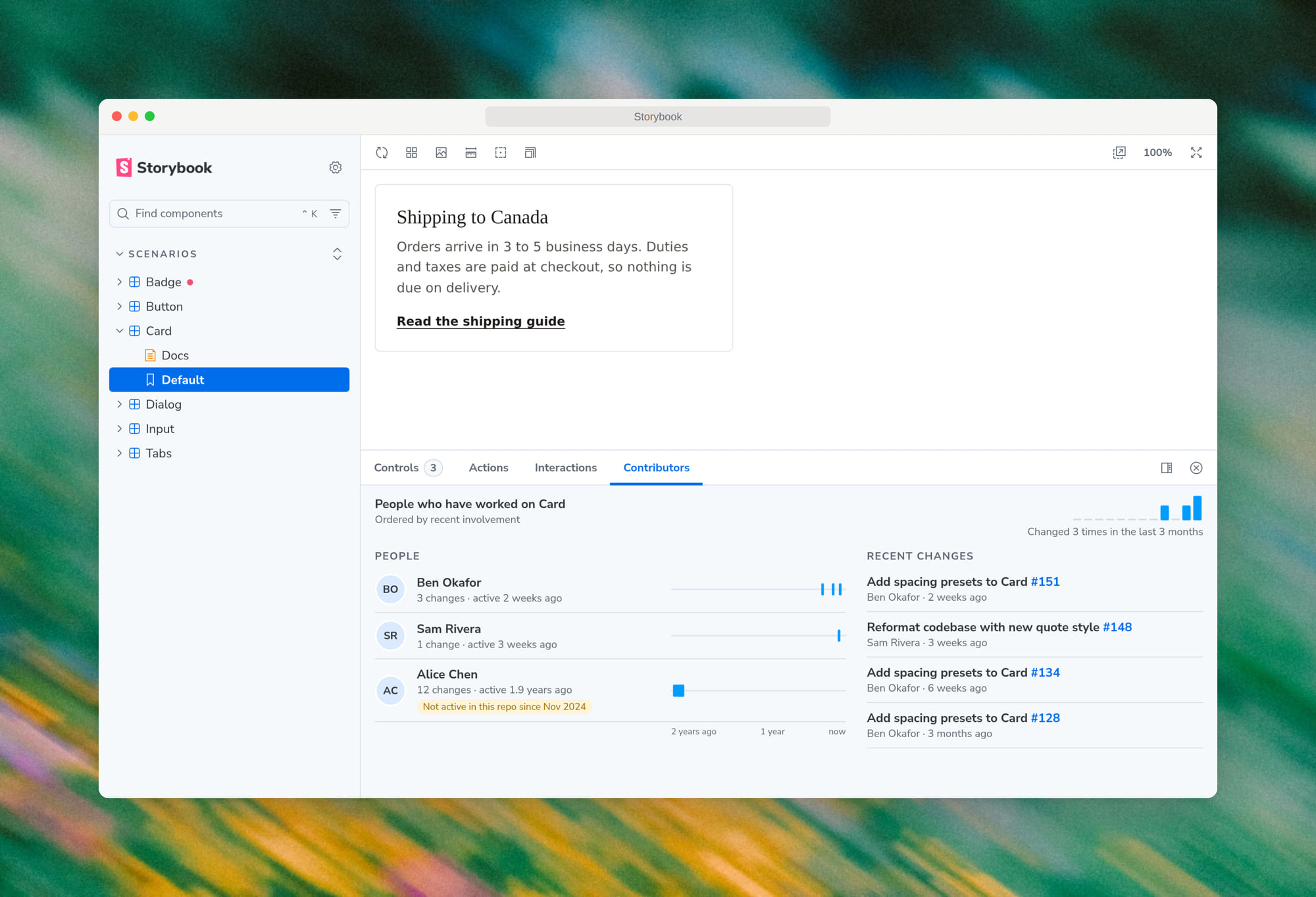
The Contributors panel lists the people who have worked on the component a story shows, most relevant first. Use it to find someone to ask a question, request a review from, or get an update from. You don't need git or any accounts: recent work counts most, and the list comes from your repository's history when Storybook is built.
You also get:
- Recent changes, linked to their pull requests
- Who is no longer active in the repository
- Which components changed in the last week, marked in the sidebar
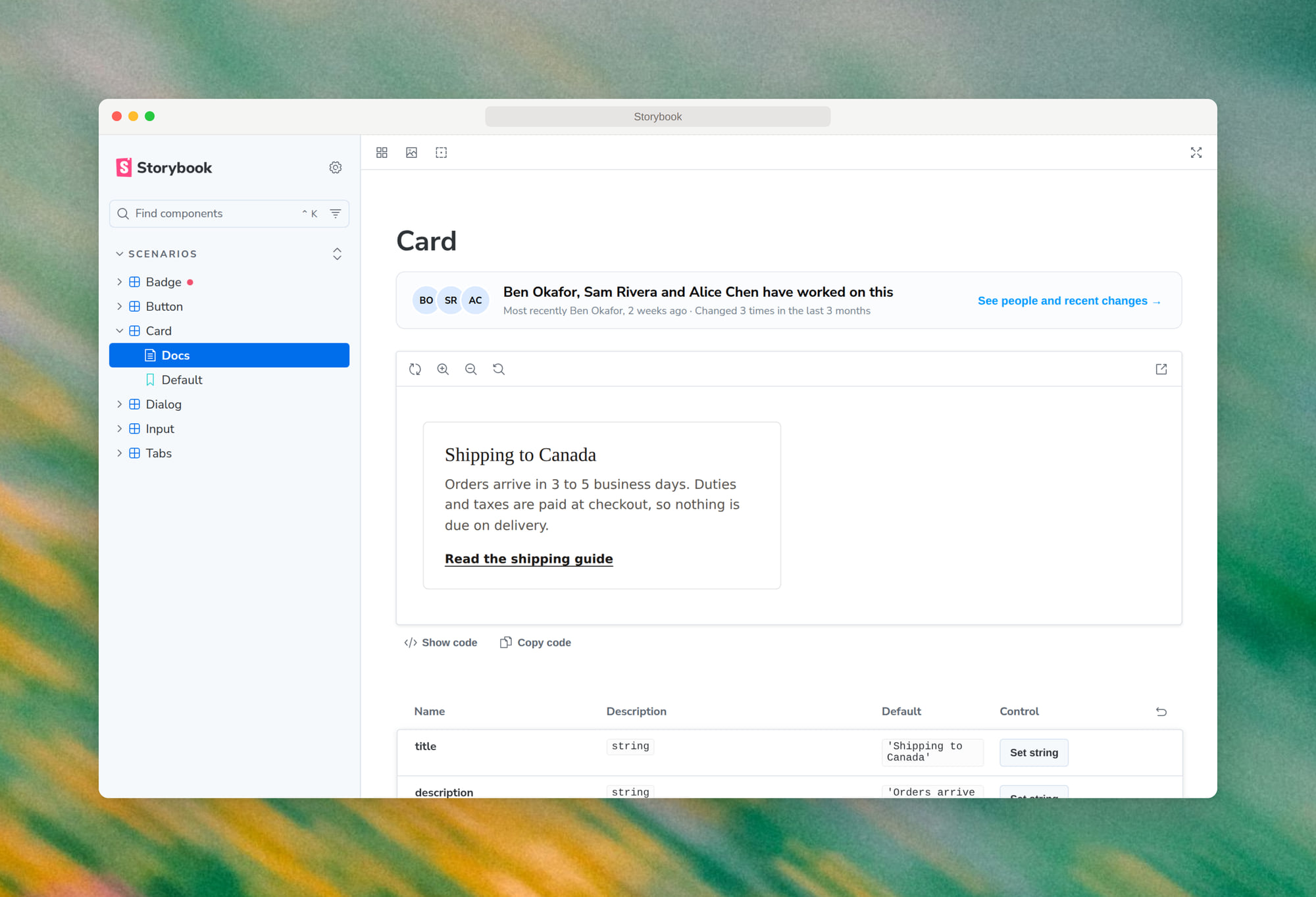
- The same people on the component's Docs page
Install
Requires Storybook 10 with @storybook/addon-docs, which new Storybook projects include by default.
npm install --save-dev storybook-addon-contributors
// .storybook/main.ts
export default {
  addons: ["storybook-addon-contributors"],
};
Deploying
How it works:
- The contributor list is built from your git history when Storybook builds.
- The deployed Storybook is a static site. It doesn't need the repository, a server, or any tokens.
- The build needs the full git history. Most hosts clone only the latest commits, which leaves older contributors out of the list.
Fetch the full history before building:
-
Vercel: set the environment variable
VERCEL_DEEP_CLONE=true. -
GitHub Actions (for example, publishing to Chromatic or GitHub Pages): set
fetch-depth: 0on the checkout step.- uses: actions/checkout@v4 with: fetch-depth: 0 -
Any other host or CI: use this build command.
git fetch --unshallow || true && npm run build-storybook
