
MCP server
The Storybook MCP server gives your agent the same capabilities as the skills through the Model Context Protocol. Use it when you want your agent to call Storybook through MCP tools instead of CLI commands. Your agent still needs to run shell commands: the server tells it to read each step of the workflow with npx storybook skills <id> --mcp. For most setups, we recommend skills.
The MCP server runs as part of the Storybook dev server, so Storybook must be running for your agent to use it.
Set up the MCP server
1. Install the addon
Run this command to install and register the Storybook MCP addon:
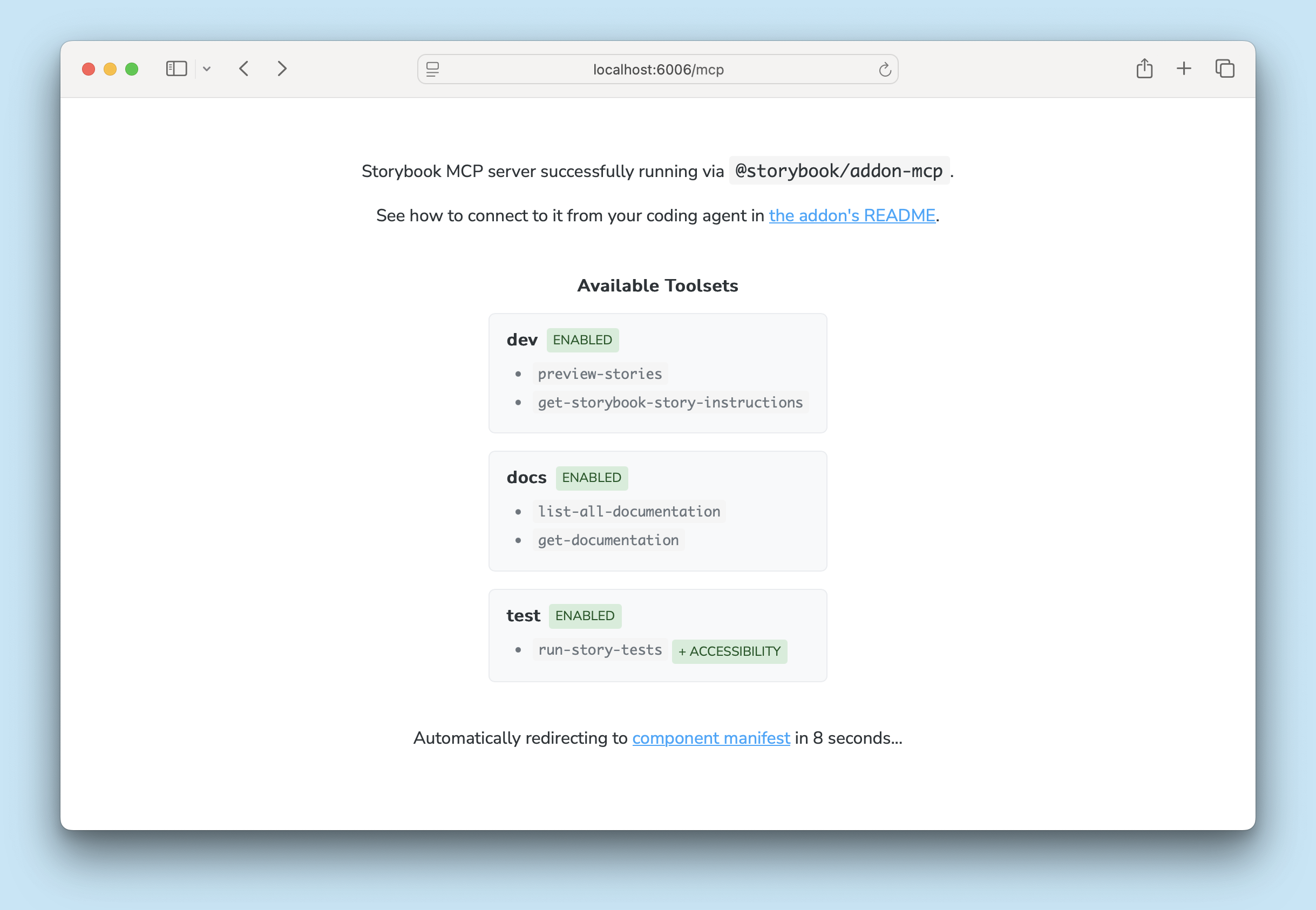
npx storybook add @storybook/addon-mcpWhen the dev server is running, the MCP server is available at http://localhost:6006/mcp (your port may be different). Open that URL in a browser to see the available tools and a link to the manifest debugger.
2. Check the components manifest
The MCP server's docs tools read the components manifest. Most frameworks that generate one turn it on by default. Check framework support to see whether you need to enable it. Without a components manifest, the docs tools are unavailable, but the other tools still work.
3. Add the MCP server to your agent
Run this command to add the MCP server to your agent:
npx mcp-add --type http --url "http://localhost:6006/mcp" --scope projectUpdate the port in the URL if yours is different. When prompted, give the server a unique, descriptive name, such as my-project-storybook. Your agent uses this name to call the tools.
mcp-add adds MCP servers to many agents. You can also follow your agent's documentation to add the server manually, for example for Claude Code, Gemini CLI, Codex, or VS Code Copilot.
Host validation applies to the MCP server. If your agent reaches Storybook through a hostname other than localhost, such as a reverse proxy, add that hostname to core.allowedHosts.
4. Check the connection
The MCP server tells your agent when to use its tools, so you don't need to add instructions to AGENTS.md.
To check the connection, start Storybook, then ask your agent to "List all documented components". The agent should call the docs-list tool and list the components in your Storybook.
Tools
The MCP server gives your agent the tools that your project supports. The page at http://localhost:6006/mcp shows which ones those are.
| Tool | What it does | Requires |
|---|---|---|
stories-preview | Gives direct links to stories | |
stories-changed | Lists the stories that your uncommitted changes affect | A builder that supports the module graph, such as Vite |
stories-find-by-component | Finds the stories that use a component | A builder that supports the module graph, such as Vite |
review-create | Publishes an agentic review | |
docs-list, docs-show, docs-show-story | Look up components and their documentation, including those of composed Storybooks that have manifests | A components manifest |
test-run | Runs story tests, with accessibility checks if they're set up | The Vitest addon |
More AI resources